


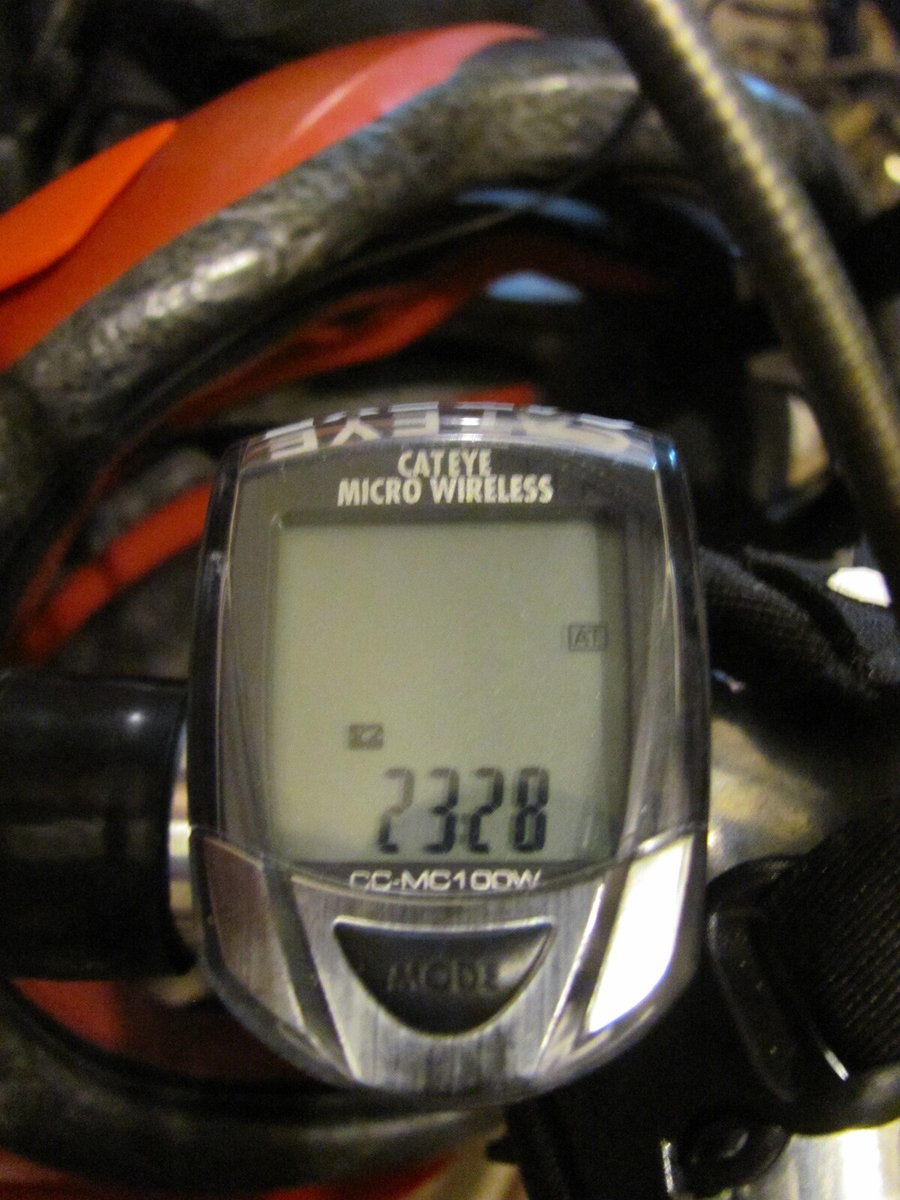
How to reset a Cateye Micro Wireless Computer.
 06-06-20 | 02:12 PM
#1
Thread Starter
Senior Member

Joined: Jun 2014
Posts: 4,628
Likes: 943
From: Ontario, Canada
Bikes: iele Latina, Miele Suprema, Miele Uno LS, Miele Miele Beta, MMTB, Bianchi Model Unknown, Fiori Venezia, Fiori Napoli, VeloSport Adamas AX
How to reset a Cateye Micro Wireless Computer.
Hi there.
I just bought a used Miele Beta bicycle with a Cateye Micro Wireless computer on it. Can someone here tell me how to reset the distance et cetera back to zero without losing all the other settings?
Cheers
I just bought a used Miele Beta bicycle with a Cateye Micro Wireless computer on it. Can someone here tell me how to reset the distance et cetera back to zero without losing all the other settings?
Cheers
 06-06-20 | 06:03 PM
#2
Senior Member

Joined: Feb 2006
Posts: 2,945
Likes: 255
From: Sin City, Nevada
Bikes: Catrike 700, Greenspeed GTO trike, , Linear LWB recumbent, Haluzak Horizon SWB recumbent, Balance 450 MTB, Cannondale SM800 Beast of the East
Here are the instructions for the 200 model. Probably works the same. https://www.cateye.com/intl/support/...flv_ENG_v1.pdf
Took me about 20 seconds to find it online.
Took me about 20 seconds to find it online.
07-13-20 | 09:24 AM
#3
Thread Starter
Senior Member
Joined: Jun 2014
Posts: 4,628
Likes: 943
From: Ontario, Canada
Bikes: iele Latina, Miele Suprema, Miele Uno LS, Miele Miele Beta, MMTB, Bianchi Model Unknown, Fiori Venezia, Fiori Napoli, VeloSport Adamas AX
I FINALLY figured out how to reset this computer.
At the rear of the computer there's a Start/Stop button that's hard to see. You push it and the button on top of the computer at the same time and that resets it without losing all the settings.
Cheers
At the rear of the computer there's a Start/Stop button that's hard to see. You push it and the button on top of the computer at the same time and that resets it without losing all the settings.
Cheers
