


Unable to get past cookie/privacy acknowledgement screen
 08-01-25 | 10:42 AM
#1

Thread Starter
Senior Member
Joined: Sep 2017
Posts: 781
Likes: 398
From: Centennial, CO
Bikes: ‘85 Trek 760, ‘77/‘78 Trek 304, ‘74 Raleigh International
Unable to get past cookie/privacy acknowledgement screen
Unable to get past cookie/privacy acknowledgement screen- iOS, Safari, DNS filtered network by PiHole.
Once I disconnect from WiFi and refresh the page, I’m good for 24 hours.
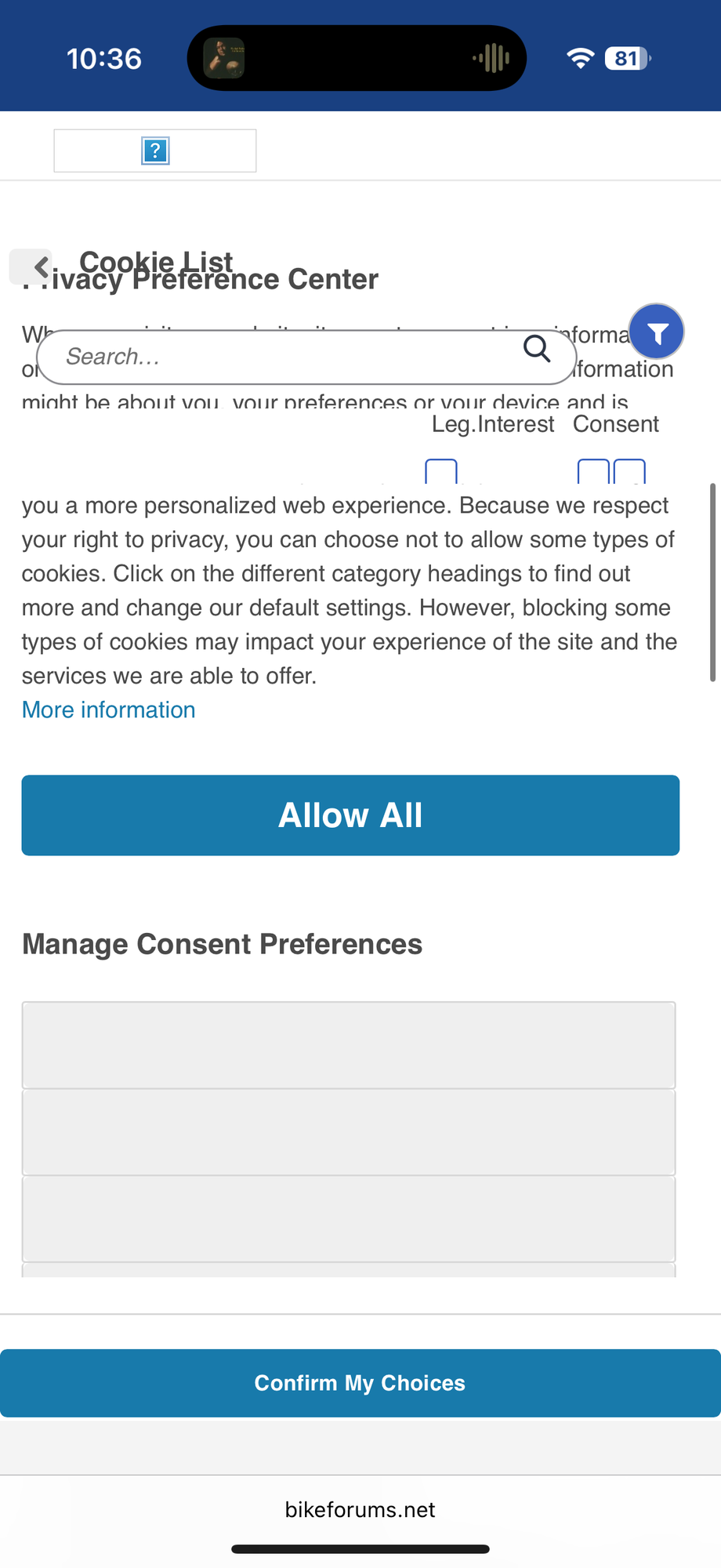

Once I disconnect from WiFi and refresh the page, I’m good for 24 hours.
 08-01-25 | 04:15 PM
#2

so if you click 'confirm my choices', are you stuck there and it doesn't load through? I'm not too familiar with the workings of dns networks, but it seems as if its almost blocking the acceptance of the cookies ( you said when you turn off your wifi, you're all good). Maybe configuring your dns settings specifically for bikeforums would solve this
08-01-25 | 07:12 PM
#3
Thread Starter
Senior Member
Joined: Sep 2017
Posts: 781
Likes: 398
From: Centennial, CO
Bikes: ‘85 Trek 760, ‘77/‘78 Trek 304, ‘74 Raleigh International
Unfortunately I’m unable to accept or decline anything, as the page doesn’t load appropriately for me to select anything. Confirm my choices does nothing there
08-01-25 | 07:35 PM
#4

Senior Member


Joined: Apr 2011
Posts: 12,760
Likes: 4,873
08-01-25 | 07:37 PM
#5
Thread Starter
Senior Member
Joined: Sep 2017
Posts: 781
Likes: 398
From: Centennial, CO
Bikes: ‘85 Trek 760, ‘77/‘78 Trek 304, ‘74 Raleigh International
08-01-25 | 07:44 PM
#6
Senior Member
Joined: Apr 2011
Posts: 12,760
Likes: 4,873
08-01-25 | 07:48 PM
#7
Thread Starter
Senior Member
Joined: Sep 2017
Posts: 781
Likes: 398
From: Centennial, CO
Bikes: ‘85 Trek 760, ‘77/‘78 Trek 304, ‘74 Raleigh International
if you review the picture further, you’ll note other adjustable preferences and text that states:
“Because we respect your right to privacy, you can choose not to allow some types of cookies.”
08-04-25 | 01:19 PM
#9
Thread Starter
Senior Member
Joined: Sep 2017
Posts: 781
Likes: 398
From: Centennial, CO
Bikes: ‘85 Trek 760, ‘77/‘78 Trek 304, ‘74 Raleigh International
Yeah I’ll just need to wait until it happens again. General browsing of BikeForums.net works until the advertising side pops up.
This button also doesn’t work.
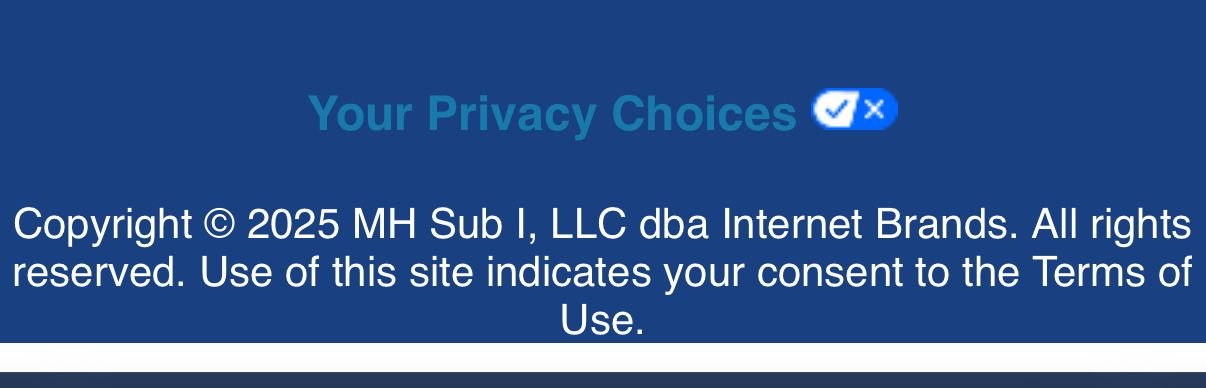
This button also doesn’t work.
08-04-25 | 03:28 PM
#10
Thread Starter
Senior Member
Joined: Sep 2017
Posts: 781
Likes: 398
From: Centennial, CO
Bikes: ‘85 Trek 760, ‘77/‘78 Trek 304, ‘74 Raleigh International
Yeah the DNS filtering doesn't like internetbrands.com. I'll just continue with the workaround here, thanks everyone.
08-06-25 | 08:11 AM
#11
Randomhead
Joined: Aug 2008
Posts: 25,930
Likes: 4,825
From: Happy Valley, Pennsylvania
What's an advertising side? Are you really being served advertising from bikeforums? Because a titanium member shouldn't get any advertising. Need screen shots
