


Posting Pictures
 08-21-10 | 01:53 PM
#1

Thread Starter
Senior Member
Joined: Nov 2007
Posts: 1,618
Likes: 3
From: North Truro, MA
Bikes: Aegis Trident (Big Red)
Posting Pictures
How do I get the right file size to be able to post pictures on the forum? Every time I try I get an error message that says the file size is too large.
Yes, I am technologically challenged...........help.
Yes, I am technologically challenged...........help.
 08-21-10 | 02:18 PM
#2

Senior Member
Joined: May 2010
Posts: 1,637
Likes: 0
From: Long Island, NY
Bikes: '85 Rossin Super Record, '88 Specialized Sequoia, '10 Raleigh Cadent FT2, '10 Specialized Roubaix Elite
The easiest way I've found to do it is to use a Photobucket account. It's free to sign up, and it's relatively easy to upload the pics.
Once you do that,
1. In your post, click the icon that looks like a "tree with a frame around it". That will open a dialog box that says "Please enter the URL of your image"
2. In another browser tab/window, go to your Photobuck account
3. Upload your picture to Photobucket or if already uploaded, Select the picture you want to post
4. You'll see a field called "Direct Link" with text in it that looks like an internet address...it is. Copy that text in its entirety.
5. Go back to the tab/window with the "Please enter the URL of your image" dialog box.
6. Paste the text string you copied from Photobucket.
And you should be done...
If anyone knows an easier way to get this done...
And if any of that isn't clear, just let me know...
Charles
Once you do that,
1. In your post, click the icon that looks like a "tree with a frame around it". That will open a dialog box that says "Please enter the URL of your image"
2. In another browser tab/window, go to your Photobuck account
3. Upload your picture to Photobucket or if already uploaded, Select the picture you want to post
4. You'll see a field called "Direct Link" with text in it that looks like an internet address...it is. Copy that text in its entirety.
5. Go back to the tab/window with the "Please enter the URL of your image" dialog box.
6. Paste the text string you copied from Photobucket.
And you should be done...
If anyone knows an easier way to get this done...
And if any of that isn't clear, just let me know...
Charles
08-21-10 | 02:22 PM
#3

Life is good


Joined: Jan 2001
Posts: 18,208
Likes: 14
From: Not far from the Withlacoochee Trail. 🚴🏻
Bikes: 2018 Lynskey Helix Pro
__________________
The Lord is merciful and gracious, slow to anger and abounding in steadfast love. - Psalm 103:8
I am a cyclist. I am not the fastest or the fittest. But I will get to where I'm going with a smile on my face.
The Lord is merciful and gracious, slow to anger and abounding in steadfast love. - Psalm 103:8
I am a cyclist. I am not the fastest or the fittest. But I will get to where I'm going with a smile on my face.
08-21-10 | 02:44 PM
#4

Artificial Member


Joined: Jan 2010
Posts: 7,162
Likes: 7,551
From: The Cloud
Bikes: Retrospec Judd, Dahon Boardwalk, Specialized Langster
Lenny's post showing his furniture refinish has what I want. Not a little thumbnail the reader has to click on to view.
To do that do you have to link it to an external website?
__________________
08-21-10 | 03:00 PM
#5

Motorcycle RoadRacer
Joined: May 2010
Posts: 3,826
Likes: 4
hope that helps..
08-21-10 | 03:35 PM
#6
Thread Starter
Senior Member
Joined: Nov 2007
Posts: 1,618
Likes: 3
From: North Truro, MA
Bikes: Aegis Trident (Big Red)
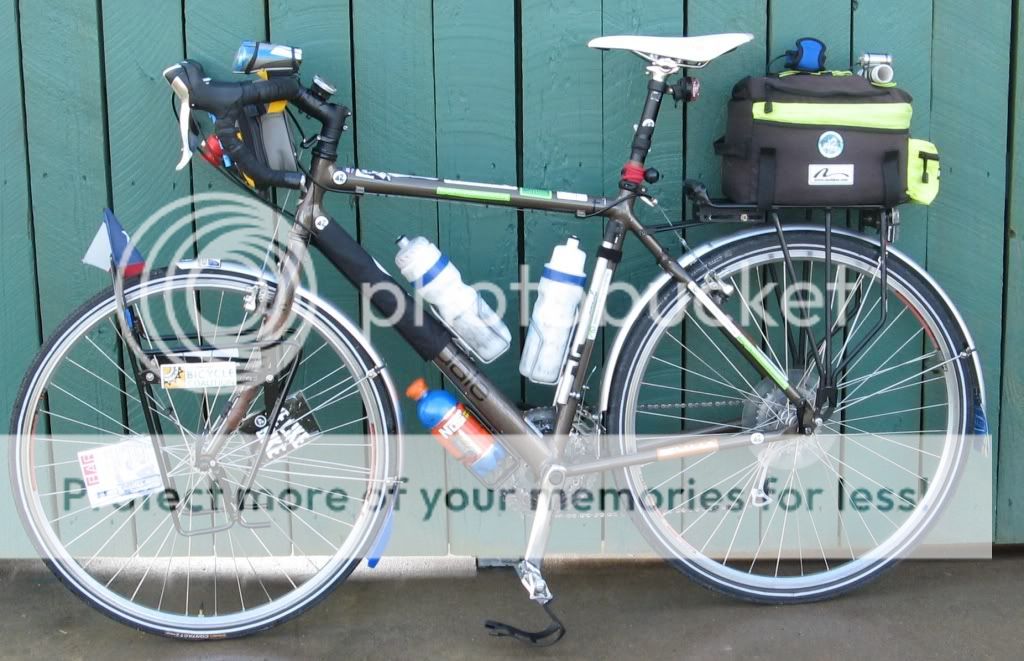
just a test


 08-21-10 | 05:07 PM
#9
Thread Starter
Senior Member
Joined: Nov 2007
Posts: 1,618
Likes: 3
From: North Truro, MA
Bikes: Aegis Trident (Big Red)
The easiest way I've found to do it is to use a Photobucket account. It's free to sign up, and it's relatively easy to upload the pics.
Once you do that,
1. In your post, click the icon that looks like a "tree with a frame around it". That will open a dialog box that says "Please enter the URL of your image"
2. In another browser tab/window, go to your Photobuck account
3. Upload your picture to Photobucket or if already uploaded, Select the picture you want to post
4. You'll see a field called "Direct Link" with text in it that looks like an internet address...it is. Copy that text in its entirety.
5. Go back to the tab/window with the "Please enter the URL of your image" dialog box.
6. Paste the text string you copied from Photobucket.
And you should be done...
If anyone knows an easier way to get this done...
And if any of that isn't clear, just let me know...
Charles
Once you do that,
1. In your post, click the icon that looks like a "tree with a frame around it". That will open a dialog box that says "Please enter the URL of your image"
2. In another browser tab/window, go to your Photobuck account
3. Upload your picture to Photobucket or if already uploaded, Select the picture you want to post
4. You'll see a field called "Direct Link" with text in it that looks like an internet address...it is. Copy that text in its entirety.
5. Go back to the tab/window with the "Please enter the URL of your image" dialog box.
6. Paste the text string you copied from Photobucket.
And you should be done...
If anyone knows an easier way to get this done...
And if any of that isn't clear, just let me know...
Charles
08-21-10 | 05:34 PM
#12

gone ride'n
Joined: Aug 2007
Posts: 4,050
Likes: 2
From: Upstate NY
Bikes: Simoncini, Gary Fisher, Specialized Tarmac
You can use the "Go Advanced" button and then enter your text and pictures and press "preview post" and you will see what it will look like - no need for trial posts.
08-21-10 | 05:51 PM
#13


rebmeM roineS
Joined: Jan 2006
Posts: 16,231
Likes: 366
From: Metro Indy, IN
Bikes: Bacchetta Giro A20, RANS V-Rex, RANS Screamer
In photobucket, prior to uploading, you can select what size image you want to end up with.
__________________
Bacchetta Giro A20, RANS V-Rex, RANS Screamer
Bacchetta Giro A20, RANS V-Rex, RANS Screamer
08-21-10 | 07:28 PM
#14
Senior Member
Joined: Jul 2006
Posts: 4,260
Likes: 3
The easiest way I've found to do it is to use a Photobucket account. It's free to sign up, and it's relatively easy to upload the pics.
Once you do that,
1. In your post, click the icon that looks like a "tree with a frame around it". That will open a dialog box that says "Please enter the URL of your image"
2. In another browser tab/window, go to your Photobuck account
3. Upload your picture to Photobucket or if already uploaded, Select the picture you want to post
4. You'll see a field called "Direct Link" with text in it that looks like an internet address...it is. Copy that text in its entirety. (Right click the mouse and select "Copy")
5. Go back to the tab/window with the "Please enter the URL of your image" dialog box.
6. Paste the text string you copied from Photobucket. (Right click the mouse and select "Paste")
And you should be done...
If anyone knows an easier way to get this done...
And if any of that isn't clear, just let me know...
Charles
Once you do that,
1. In your post, click the icon that looks like a "tree with a frame around it". That will open a dialog box that says "Please enter the URL of your image"
2. In another browser tab/window, go to your Photobuck account
3. Upload your picture to Photobucket or if already uploaded, Select the picture you want to post
4. You'll see a field called "Direct Link" with text in it that looks like an internet address...it is. Copy that text in its entirety. (Right click the mouse and select "Copy")
5. Go back to the tab/window with the "Please enter the URL of your image" dialog box.
6. Paste the text string you copied from Photobucket. (Right click the mouse and select "Paste")
And you should be done...
If anyone knows an easier way to get this done...
And if any of that isn't clear, just let me know...
Charles
Thanks for posting this. While I know how to resize pictures etc. I can't seem to figure out how to post a picture that shows at a decent size in the body of the post.
Lenny's post showing his furniture refinish has what I want. Not a little thumbnail the reader has to click on to view.
To do that do you have to link it to an external website?
Lenny's post showing his furniture refinish has what I want. Not a little thumbnail the reader has to click on to view.
To do that do you have to link it to an external website?
Last edited by cranky old dude; 08-21-10 at 07:34 PM.
08-21-10 | 09:04 PM
#15

just keep riding
Joined: Feb 2005
Posts: 13,560
Likes: 44
From: Milledgeville, Georgia
Bikes: 2018 Black Mountain Cycles MCD,2017 Advocate Cycles Seldom Seen Drop Bar, 2017 Niner Jet 9 Alloy, 2015 Zukas custom road, 2003 KHS Milano Tandem, 1986 Nishiki Cadence rigid MTB, 1980ish Fuji S-12S
08-22-10 | 07:13 AM
#16
Life is good
Joined: Jan 2001
Posts: 18,208
Likes: 14
From: Not far from the Withlacoochee Trail. 🚴🏻
Bikes: 2018 Lynskey Helix Pro
Fail.
Thats not using photobucket. That picture was attached to the BF database.
You copy and paste a link to the photobucket site so the picture appears as a full size pic, not a tiny click on me pic.
Like this:

Thats not using photobucket. That picture was attached to the BF database.
You copy and paste a link to the photobucket site so the picture appears as a full size pic, not a tiny click on me pic.
Like this:
__________________
The Lord is merciful and gracious, slow to anger and abounding in steadfast love. - Psalm 103:8
I am a cyclist. I am not the fastest or the fittest. But I will get to where I'm going with a smile on my face.
The Lord is merciful and gracious, slow to anger and abounding in steadfast love. - Psalm 103:8
I am a cyclist. I am not the fastest or the fittest. But I will get to where I'm going with a smile on my face.
08-22-10 | 12:05 PM
#17
Senior Member
Joined: May 2010
Posts: 1,637
Likes: 0
From: Long Island, NY
Bikes: '85 Rossin Super Record, '88 Specialized Sequoia, '10 Raleigh Cadent FT2, '10 Specialized Roubaix Elite
Remember, these are links and whatever you do to the original in Photobucket will also happen to the linked image in Bikeforums. Moving an image to a different Photobucket album will generally break the link however just editing a photo will usually leave the link intact.
Of course, if you aren't that anal, then don't worry about it...
Charles
08-22-10 | 04:46 PM
#18
Artificial Member
Joined: Jan 2010
Posts: 7,162
Likes: 7,551
From: The Cloud
Bikes: Retrospec Judd, Dahon Boardwalk, Specialized Langster
Burnside Island Causeway...
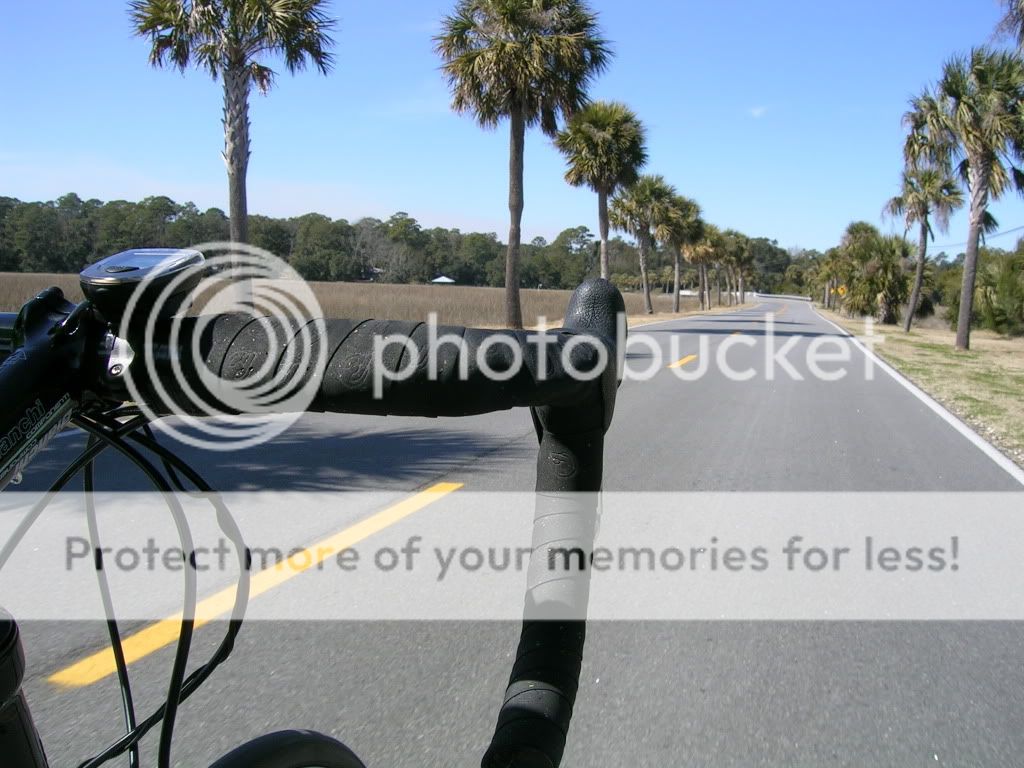
May be a little too large of a file...
Nope it posted OK! Thanks. I just wish I could do this without the external site. But Thanks!
May be a little too large of a file...
Nope it posted OK! Thanks. I just wish I could do this without the external site. But Thanks!
__________________
Last edited by ahsposo; 08-22-10 at 04:48 PM. Reason: add comment
 08-22-10 | 05:59 PM
#21

Banned.
Joined: Aug 2001
Posts: 20,915
Likes: 13
Looks to me as if you are posting an attachment to BFN, not a link to photobucket. Hereis the URL showing the attachment. However, I could be all wrong.
https://www.bikeforums.net/attachment...520239&thumb=1
https://www.bikeforums.net/attachment...520239&thumb=1
 08-22-10 | 06:32 PM
#23
just keep riding
Joined: Feb 2005
Posts: 13,560
Likes: 44
From: Milledgeville, Georgia
Bikes: 2018 Black Mountain Cycles MCD,2017 Advocate Cycles Seldom Seen Drop Bar, 2017 Niner Jet 9 Alloy, 2015 Zukas custom road, 2003 KHS Milano Tandem, 1986 Nishiki Cadence rigid MTB, 1980ish Fuji S-12S
 05-21-16 | 09:49 AM
#24
Banned.
Joined: Jul 2015
Posts: 898
Likes: 0
From: Riverside, CA
Bikes: Surly LHT 26in 52cm 2008
The easiest way I've found to do it is to use a Photobucket account. It's free to sign up, and it's relatively easy to upload the pics.
Once you do that,
1. In your post, click the icon that looks like a "tree with a frame around it". That will open a dialog box that says "Please enter the URL of your image"
2. In another browser tab/window, go to your Photobuck account
3. Upload your picture to Photobucket or if already uploaded, Select the picture you want to post
4. You'll see a field called "Direct Link" with text in it that looks like an internet address...it is. Copy that text in its entirety.
5. Go back to the tab/window with the "Please enter the URL of your image" dialog box.
6. Paste the text string you copied from Photobucket.
And you should be done...
If anyone knows an easier way to get this done...
And if any of that isn't clear, just let me know...
Charles
Once you do that,
1. In your post, click the icon that looks like a "tree with a frame around it". That will open a dialog box that says "Please enter the URL of your image"
2. In another browser tab/window, go to your Photobuck account
3. Upload your picture to Photobucket or if already uploaded, Select the picture you want to post
4. You'll see a field called "Direct Link" with text in it that looks like an internet address...it is. Copy that text in its entirety.
5. Go back to the tab/window with the "Please enter the URL of your image" dialog box.
6. Paste the text string you copied from Photobucket.
And you should be done...
If anyone knows an easier way to get this done...
And if any of that isn't clear, just let me know...
Charles
Last edited by Biketouringhobo; 05-21-16 at 09:50 AM. Reason: Fixed words
05-21-16 | 07:28 PM
#25

Me duelen las nalgas

Joined: Aug 2015
Posts: 13,519
Likes: 2,832
From: Texas
Bikes: Centurion Ironman, Trek 5900, Univega Via Carisma, Globe Carmel
Open a Google+ account. Much easier. If you install Google Drive, etc., you can automagically sync photos from designated folders (to protect private stuff).
After that, just right click on a photo in your computer's folders, via Windows Explorer or other, click on the prompt to upload to Google photos, then embed the image URL to the forum.
Much quicker and easier than Photobucket, Flickr, etc. I haven't used any of my other photo hosting accounts in years. Photobucket was always a sluggish kludge anyway. And Flickr made itself less usable after Yahoo disabled easy interfacing with Facebook, etc. Google integrates this stuff much more seamlessly, although I'm not thrilled with their decision to phase out Picasa.
After that, just right click on a photo in your computer's folders, via Windows Explorer or other, click on the prompt to upload to Google photos, then embed the image URL to the forum.
Much quicker and easier than Photobucket, Flickr, etc. I haven't used any of my other photo hosting accounts in years. Photobucket was always a sluggish kludge anyway. And Flickr made itself less usable after Yahoo disabled easy interfacing with Facebook, etc. Google integrates this stuff much more seamlessly, although I'm not thrilled with their decision to phase out Picasa.