


Posting images from Flickr to BF
 09-22-16 | 12:07 PM
#1

Thread Starter
vintage motor


Joined: Sep 2008
Posts: 1,786
Likes: 349
From: Tepic, Nayarit, Mexico
Bikes: 48 Automoto, 49 Stallard, 50 Rotrax, 62 Jack Taylor, 67 Atala, 68 Lejeune, 72-74-75 Motobecanes, 73 RIH, 71 Zieleman, 74 Raleigh, 78 Windsor, 83 Messina (Villata), 84 Brazzo (Losa), 85 Davidson, 90 Diamondback, 92 Kestrel
Posting images from Flickr to BF
Either BF or Flickr changed their process a while back and I haven't been able to post images here. I asked for assistance on the "Need help?" forum, but with the instructions they gave me the only thing that shows up here is a little icon with a green hill or something. Could anyone here lend a hand? Step by step, please. Thanx!
 09-22-16 | 12:26 PM
#2

It's MY mountain
Joined: Sep 2006
Posts: 10,184
Likes: 4,250
From: Mt.Diablo
Bikes: Klein, Merckx, Trek
Either BF or Flickr changed their process a while back and I haven't been able to post images here. I asked for assistance on the "Need help?" forum, but with the instructions they gave me the only thing that shows up here is a little icon with a green hill or something. Could anyone here lend a hand? Step by step, please. Thanx!
This works with Windows and Chrome:
1. Open the photo (not just the thumbnail); make sure it has security setting "public"
2. Right click the photo and select "copy image address"
3. Open the message window in BF and select the photo icon.
4. Paste the URL in between the [img][/img] tags. It should have a .jpg extension.
5.
 09-22-16 | 10:22 PM
#3

Insane Bicycle Mechanic

Joined: Mar 2008
Posts: 10,163
Likes: 1,128
From: other Vancouver
This works with Windows and Chrome:
1. Open the photo (not just the thumbnail); make sure it has security setting "public"
2. Right click the photo and select "copy image address"
3. Open the message window in BF and select the photo icon.
4. Paste the URL in between the [img][/img] tags. It should have a .jpg extension.
1. Open the photo (not just the thumbnail); make sure it has security setting "public"
2. Right click the photo and select "copy image address"
3. Open the message window in BF and select the photo icon.
4. Paste the URL in between the [img][/img] tags. It should have a .jpg extension.
Flickr uses some sort of image-display coding that prevents this from working in Firefox. In Firefox (on Windows 10) here's what I do:
1. Find the photo you want to show in Flickr (and it's got to be public)
2. In the bottom right corner, click on the "download this photo" link
3. Select "View all sizes".
4. Right click the photo and select "copy image address"
5. Open the message window in BF and click the photo icon:

6. Paste the URL in the dialog.
I started here: https://www.flickr.com/photos/ohpv/2...7670249022375/
And ended here:
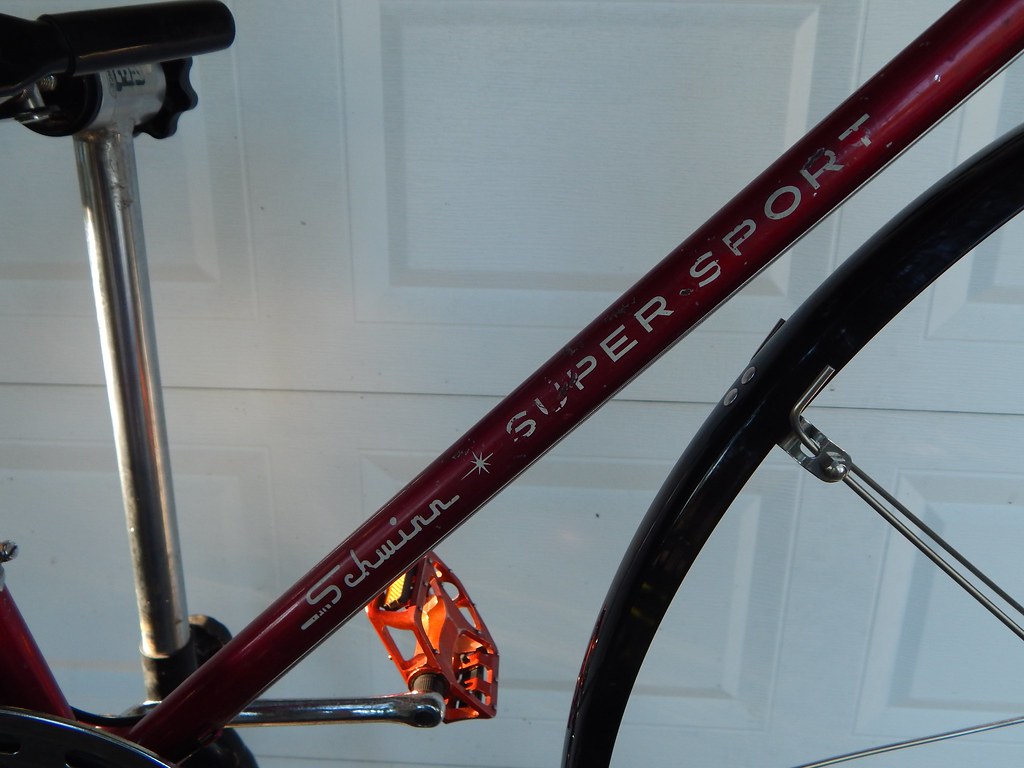
__________________
Jeff Wills
Comcast nuked my web page. It will return soon..
Jeff Wills
Comcast nuked my web page. It will return soon..
 09-22-16 | 10:38 PM
#4

If I own it, I ride it

Joined: Nov 2005
Posts: 5,685
Likes: 821
From: Cardinal Country
Bikes: Lejeune(14), Raleigh, Raysport, Jan De Reus, Gazelle, Masi, B. Carré(4), Springfield, Greg Lemond, Andre Bertin, Schwinn Paramount
Or
Step 1: As in Jeff's instructions
Step 2: Click the share button, the arrow swooping right.
Step 3: Popup will appear. Choose the BBCode option. You can also choose a size.
Step 4: Copy the url provided.
Step 5: Paste in your post.
Done.
The nice thing about doing it this way is if you click the photo, you are taken to it on flickr.
Step 1: As in Jeff's instructions
Step 2: Click the share button, the arrow swooping right.
Step 3: Popup will appear. Choose the BBCode option. You can also choose a size.
Step 4: Copy the url provided.
Step 5: Paste in your post.
Done.
The nice thing about doing it this way is if you click the photo, you are taken to it on flickr.


